Track your campaign
When you create a campaign with your ad partner, you may need to provide a justtrack tracking URL so you can analyze click-through and view-through data for the campaign in justtrack.
In this guide, you'll learn how to generate these tracking URLs.
Generate tracking URLs
In the App Menu, click Advertising > Campaigns. From here, you'll be able to generate click-through and view-through tracking URLs for your campaign.
Click Generate tracking URL:

Next, select a Partner for which you want to generate your tracking URLs:
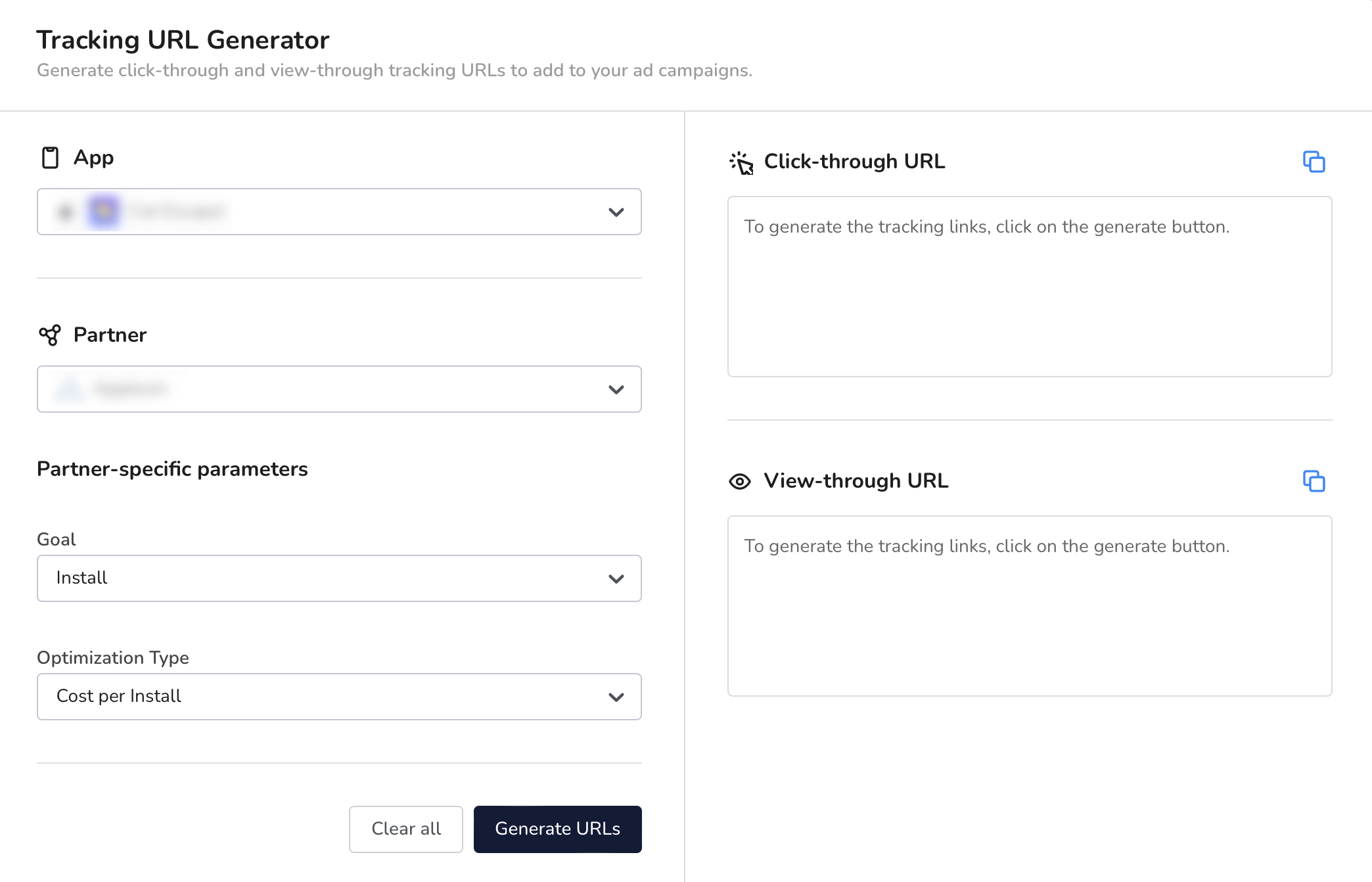
For some partners, you may be required to select other parameters as well.
Next, click Generate URLs. This results in click-through and view-through URLs according to the choices you made in the previous step.
Finally, copy the results and paste them in your campaign configuration in the partner's platform.
Conclusion
In just four steps, you generated click-through and view-through tracking URLs for your campaign.
Check out our glossary to learn more about tracking URLs in justtrack.