Monetize Your App
This guide helps you start tracking monetization data in justtrack.
You will connect monetization partners and enable revenue tracking for ads and in-app purchases.
What this step does
- Connects monetization partners to your app
- Enables revenue tracking in justtrack
- Makes monetization data visible in the dashboard
Who this is for
Product, revenue, and business teams responsible for monetizing the app.
Before you begin
Make sure that:
- Your app is connected with justtrack
- The SDK is integrated and sending data
- You have Admin or Manager permissions
If the SDK is not set up yet, complete Getting Started with SDK first.
Step-by-step checklist
1. Open monetization settings for your app
In the main menu, go to:
Admin → Apps
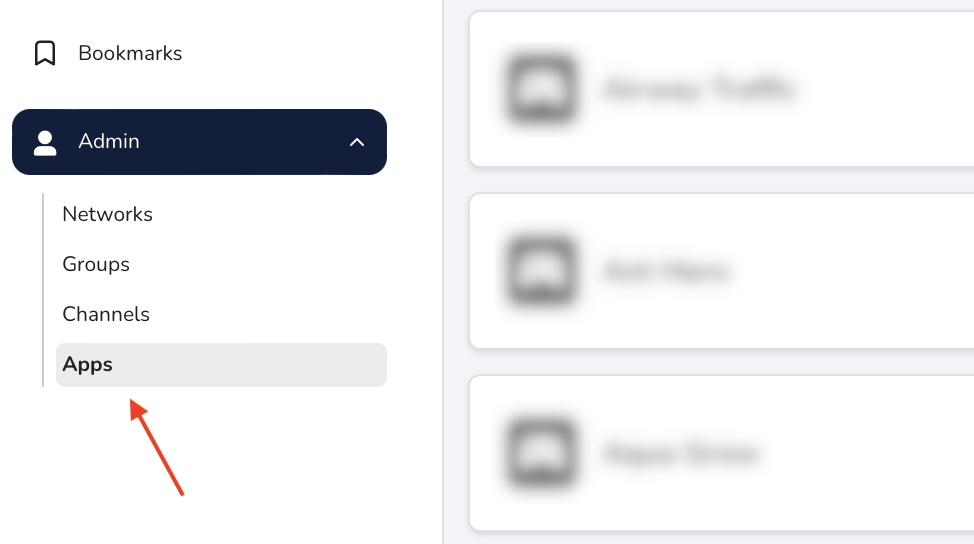
Select your app to open the App Hub.
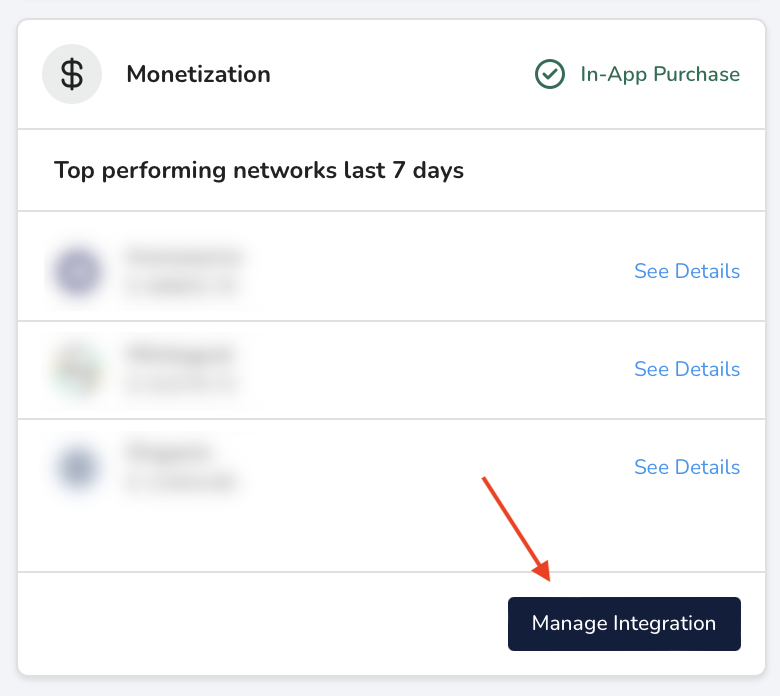
On the Monetization card, click Manage Integration.
2. Connect a monetization partner
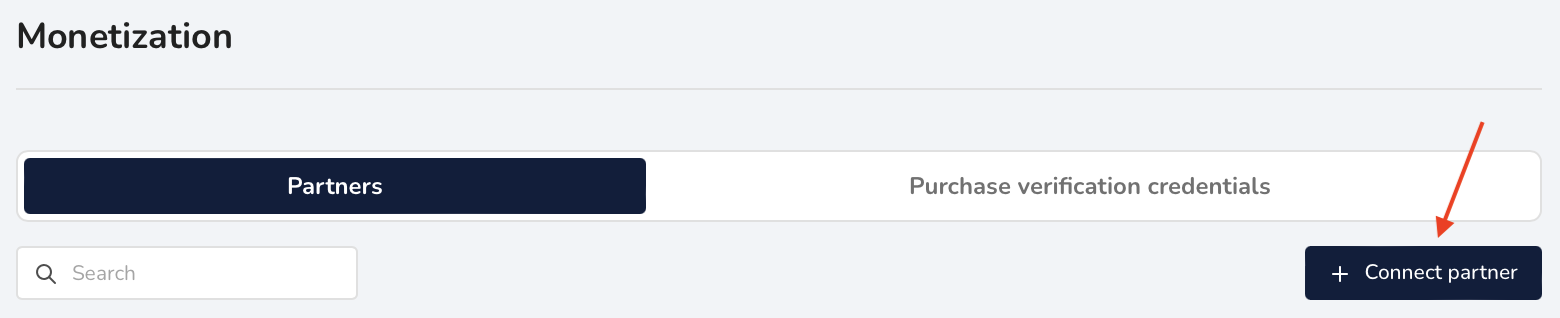
On the Monetization Partners page, click Connect partner.
In the Monetization Partner Wizard:
- Select a partner from the list
- Configure the required credentials and settings
- Confirm the connection
If you already connected this partner for another app, you can copy an existing configuration to save time.
3. Verify partner connection
After connecting the partner:
- The partner appears in the monetization partner list
- Partner status shows as connected
At this point, justtrack is ready to receive revenue data from the partner.
4. Enable revenue tracking in your app
Depending on your monetization model, make sure revenue data is sent to justtrack:
-
In-app purchases and subscriptions
Revenue is forwarded from the SDK -
Ad revenue
Revenue is received from the partner or SDK, depending on the integration
Detailed setup steps are available in the monetization documentation.
You’re done when
- At least one monetization partner is connected
- Revenue data starts appearing in the dashboard
- Monetization metrics are visible for your app
Once you see revenue data, monetization tracking is active.
Next step
👉 Review monetization performance
Use the dashboard to analyze revenue, ROI, and lifetime value across partners.